BIA Engine
Conversations with context
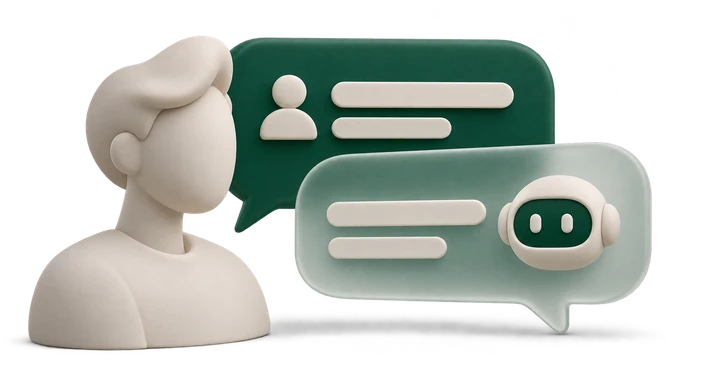
Answers to everyday questions, following your company’s information and guidance.

HOW IT WORKS
BIA replies, workflows help move requests along, and your team continues with the context they need.
AI and people, in the same conversation.
FROM MESSAGE TO NEXT STEP
Choose a stage to see how service moves forward on your team’s screen.
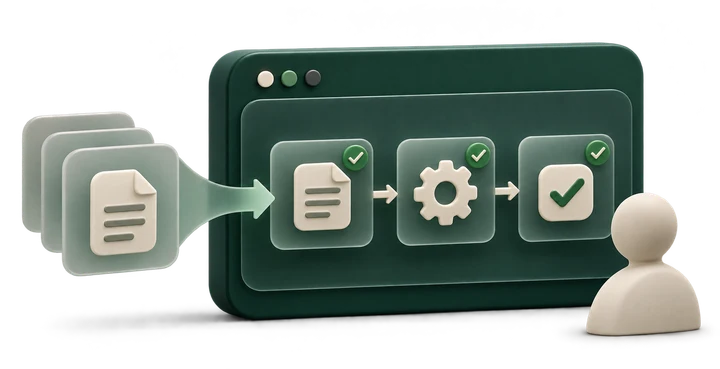
Conversations from connected channels arrive in the service workspace.
BIA Flow / Inbox
Explore the stages above. The demonstration moves at your pace.
Visual inbox demonstration · fictional names, values and dataWORKING ALONGSIDE YOU
Each piece has a role. Together, they bring what your customer needs closer to what your business can do.
BIA Engine
Answers to everyday questions, following your company’s information and guidance.
Agents and Canvas
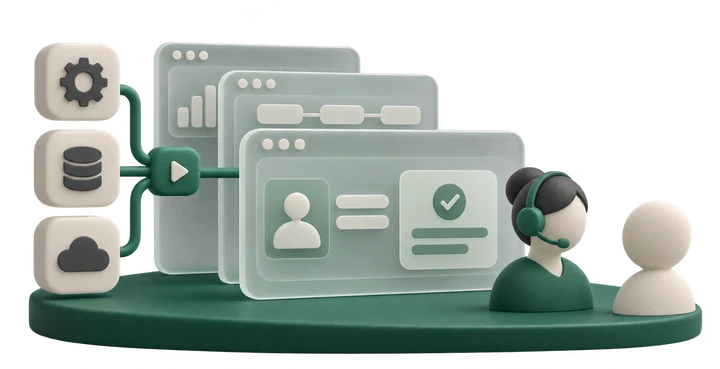
Visual workflows organize information gathering and the actions you configure.
BIA Store
Available modules and integrations connect customer service to operational information.
AUTOMATION WITH DIRECTION
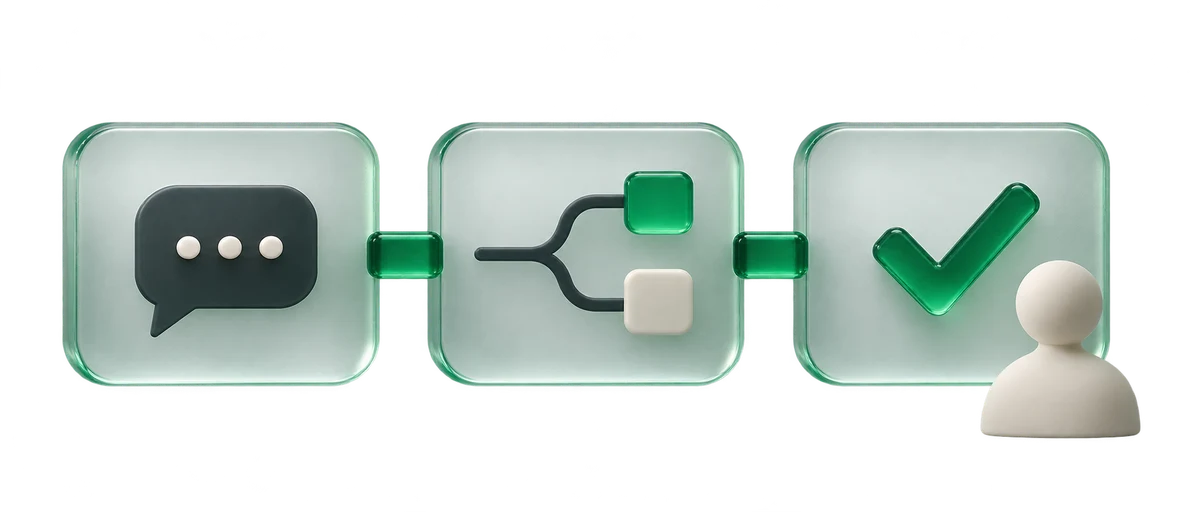
Define what happens after each request. Agents run your workflows to organize work without losing the conversation.
Look up and present the information available through the integration.
Collect details and route the request through the configured workflow.
Identify the request and record or route the next step.
Actions depend on enabled modules, permissions and integrations.
YOUR TEAM REMAINS ESSENTIAL
The history stays with the conversation. Your team understands what has happened and can keep caring for the customer.
Handovers follow the customer’s request, a configured workflow or an operator’s action.

Your team picks up where the conversation left off.

VISIBILITY FOR EVERYDAY WORK
Follow the movement of customer service and turn operational signals into decisions for your team.
See what is waiting for attention.
Follow the pace of replies.
Listen after each service interaction.
YOUR WAY, FROM THE START
An organized implementation starts by understanding the service your business needs to offer.

Define channels, common requests and the people involved in customer service.
Set up BIA, workflows and the integrations available for your operation.
Simulate conversations and review replies, actions and handovers to the team.
Observe everyday use and refine workflows as your needs evolve.
BEFORE YOU START
The goal is to combine automation with human attention. BIA handles configured requests while your team monitors and takes over conversations when needed.
Canvas offers visual editing for agent workflows. Integrations and specific configurations may need technical support depending on the situation.
The platform offers modules and integrations. Available connections and actions need to be checked against your systems and company plan.
BIA can reply to configured requests outside your team’s working hours. Human availability and next steps should follow your operational rules.
Through the customer’s request, a configured workflow step or an operator taking over. The history remains available so the conversation can continue.
LET’S LOOK AT YOUR OPERATION
Tell us about your situation. Let’s talk about what makes sense to automate and what needs your team’s attention.